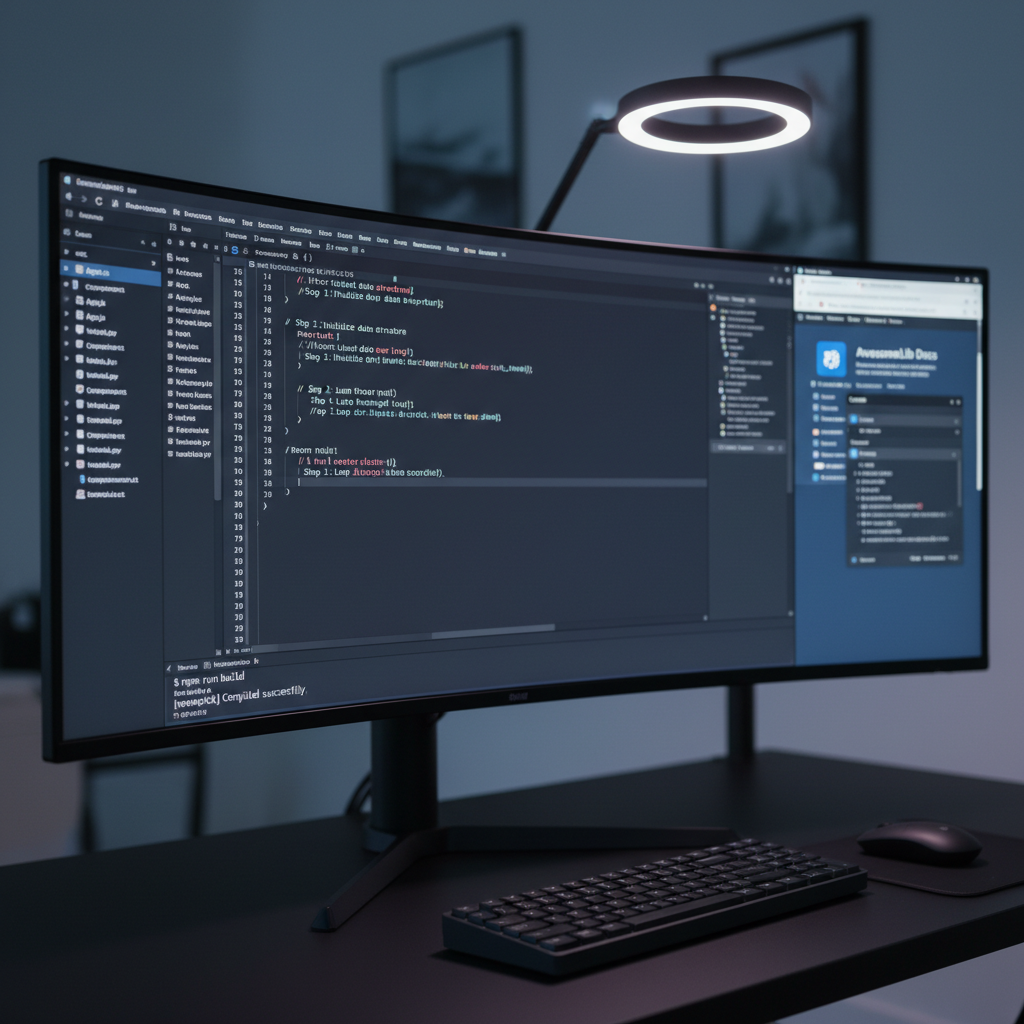
A close-up, over-the-shoulder style view of an ultra-wide monitor filled with a modern IDE showing a step-by-step programming tutorial: code in the main pane, a file tree on the left, and an integrated terminal at the bottom running a build. Next to it, a secondary display shows a browser with a generic documentation page and dev tools panel open. The workspace features a matte black desk, compact keyboard, and wireless mouse. Cool, even lighting from a desk lamp and monitor glow creates a focused, slightly high-tech ambiance. Shot in photographic realism with the main monitor in sharp focus and the background falling into soft bokeh, ideal for illustrating hands-on coding guidance.

Dev Resources

Quick links to tools, references, and cheat sheets that complement every tutorial on Hồ Lâm.
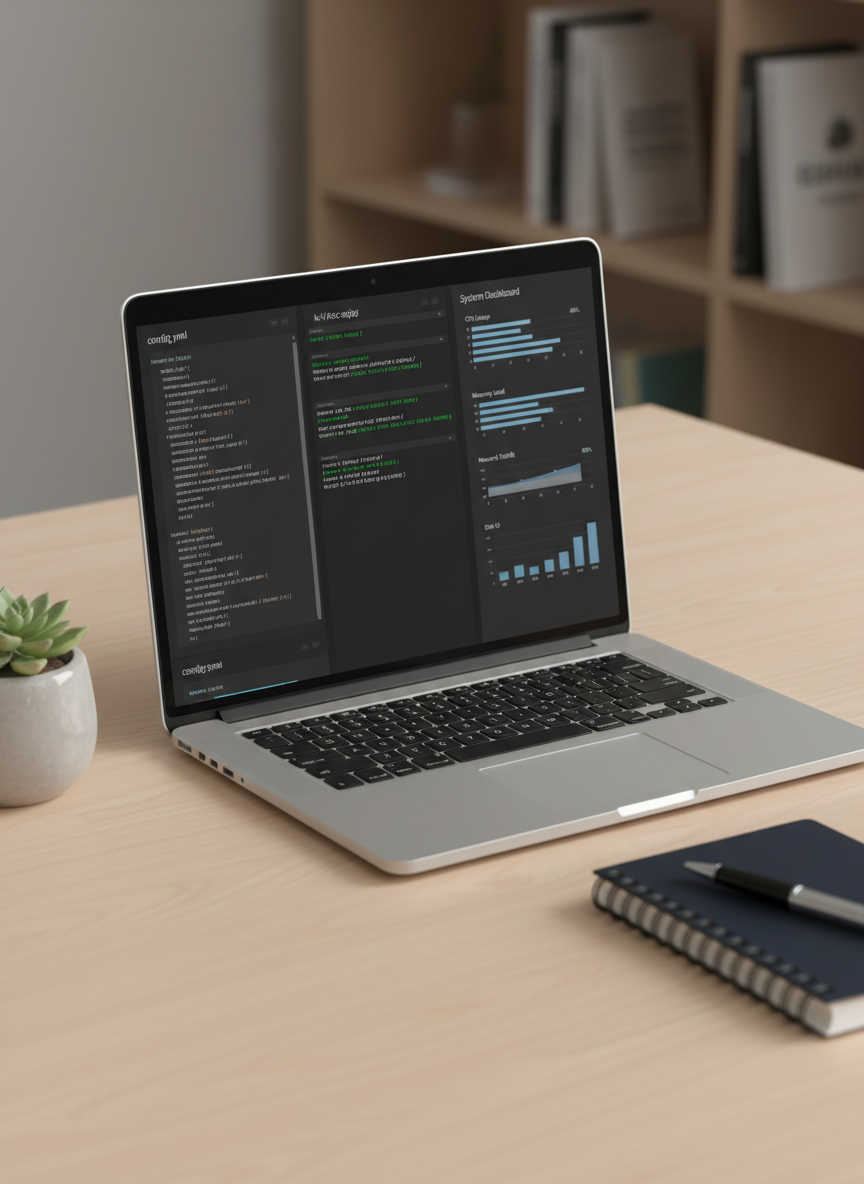
A sleek laptop on a tidy desk, its screen showing a side-by-side comparison of a configuration file, a terminal window with commands, and a system monitoring dashboard with graphs and charts, all generic but realistic. Around the laptop are a closed notebook, a pen, and a small potted plant, adding subtle texture without distraction. The scene is illuminated by soft studio lighting from the left, creating gentle highlights on the metal laptop chassis and mild shadows on the desk. Photographic realism with an eye-level composition and moderate depth of field conveys a calm, organized atmosphere ideal for learning technical setups and system administration tasks.
A clean desktop workstation dedicated to debugging and performance profiling: a large monitor shows a code editor with highlighted breakpoints, a vertical panel of call stacks, and a graph-based performance profiler with generic timelines and memory charts. Adjacent windows display a terminal running test suites and a log viewer streaming color-coded entries without readable text. The matte black desk holds only a slim keyboard, mouse, and a simple mug. Subtle, cool studio lighting from above and behind the screen creates a crisp, technical feel with faint reflections on the monitor bezel. Photographic realism with an eye-level, slightly off-center composition emphasizes the diagnostic tools, perfect for visualizing in-depth troubleshooting tutorials.
A bird’s-eye view of a neatly arranged cloud and DevOps tutorial setup: a laptop screen showing a web-based cloud console with generic dashboards, a terminal window executing deployment scripts, and a simple diagramming tool with icons representing servers, containers, and databases. Around the laptop lie printed, text-free architectural diagrams, color-coded sticky notes with simple shapes, and a compact tablet showing a command-line interface. Soft overcast window light diffuses evenly across the scene, reducing glare and keeping every element clearly visible. The photographic composition is balanced and modern, with sharp focus throughout, evoking a practical, methodical atmosphere suited for explaining deployment pipelines and infrastructure concepts.

Live Sessions

2025-11-05

Live Zoom

Online

2025-11-06

YouTube Live

Global Online

2025-11-07

Twitch Stream

Europe Online

2025-11-12

Code Studio

Online

2025-11-13

Workshop Hub

Asia Pacific

2025-11-14

Server School

Remote EU

2025-11-19

Dev Lab

Online

2025-11-20

Cloud Room

North America

2025-11-21

Ops Arena

Global Remote